STOREFIRE
Keep your WooCommerce shop.
Lose the weight.
Your products, orders and WooCommerce setup can stay where they are. StoreFire gives customers a lighter storefront to shop through.
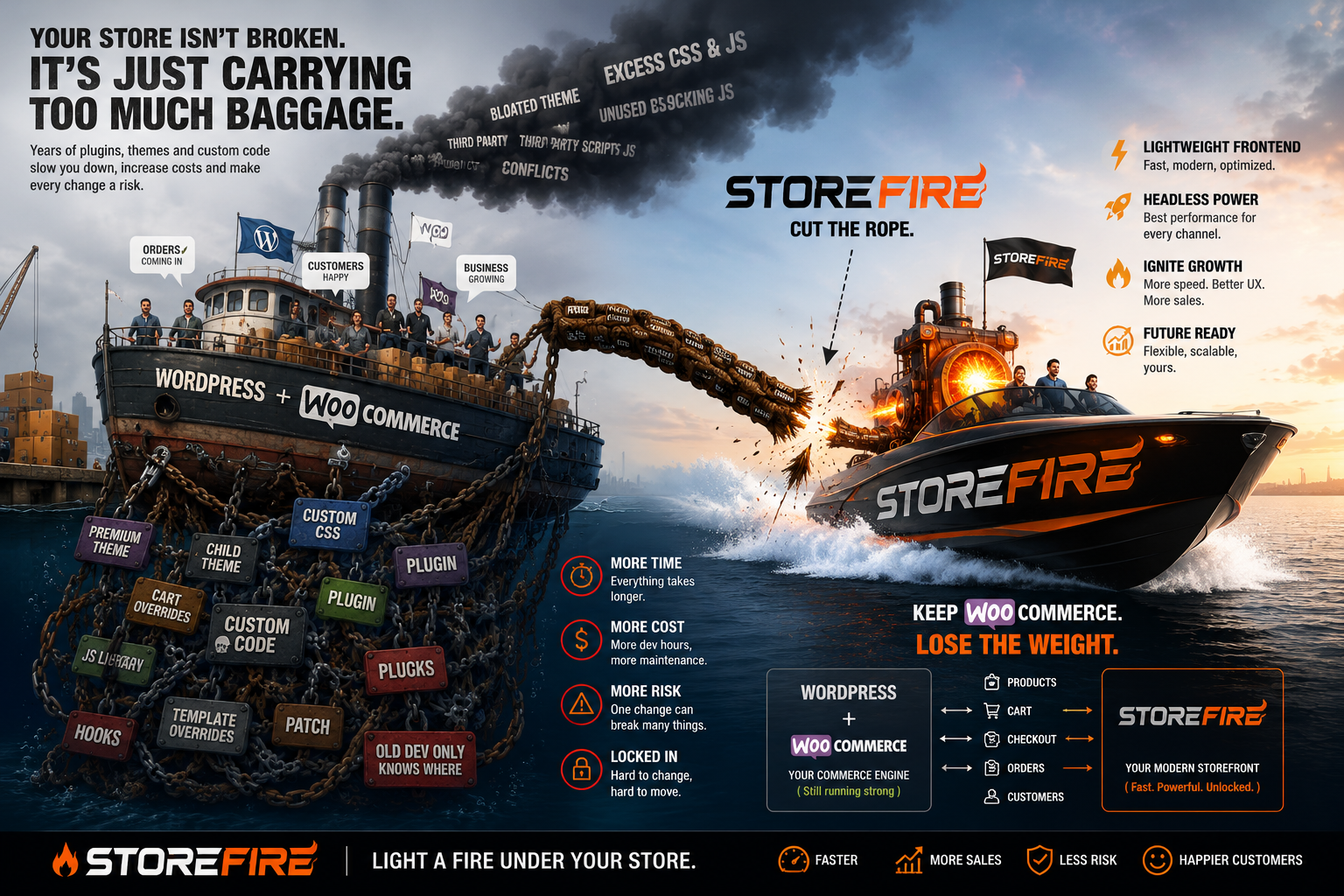
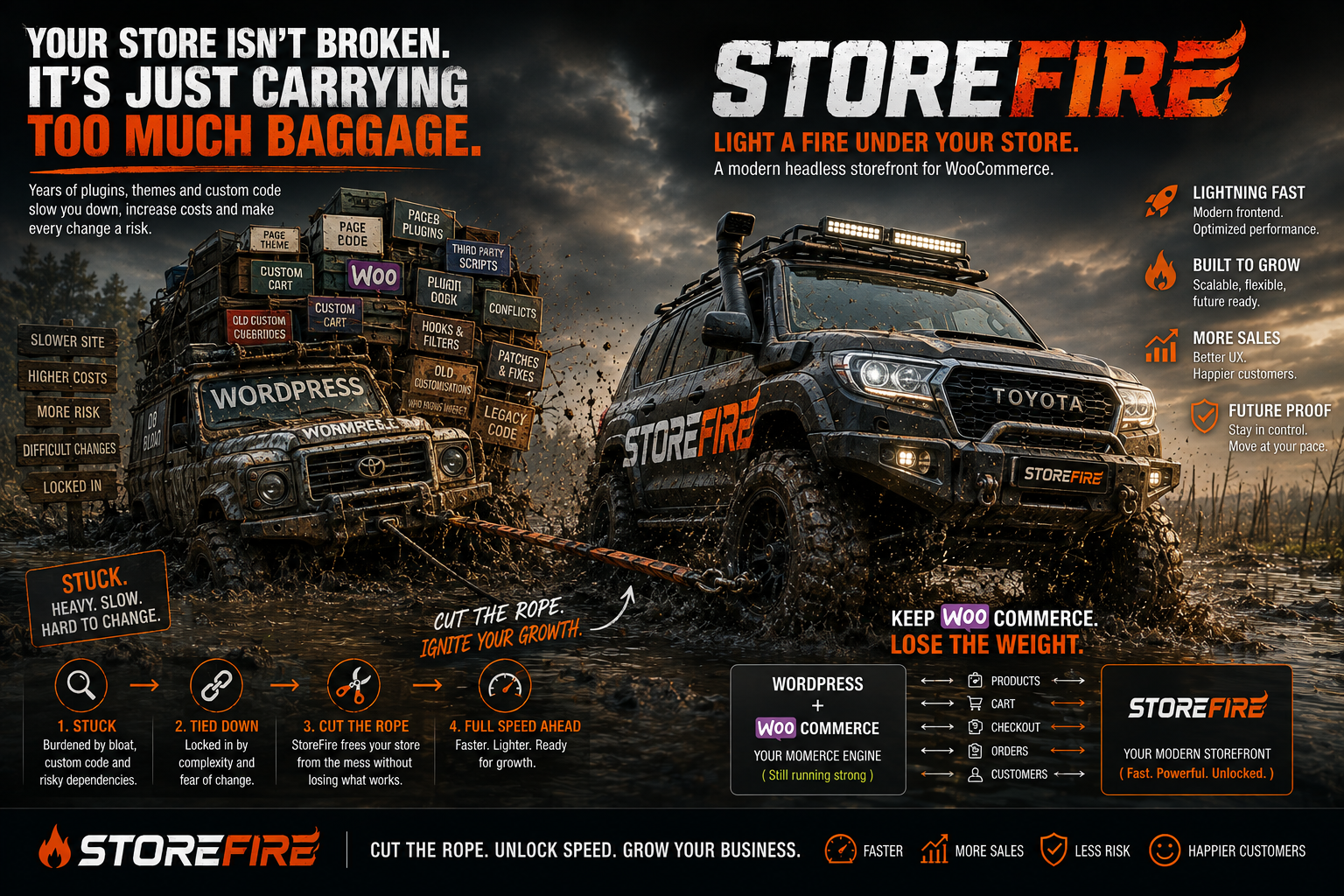
Your shop isn't broken.
It's just carrying too much baggage.
Over time, WooCommerce stores collect themes, plugins, page builders, scripts, styles and other stuff. It all ends up travelling to the customer's browser.
WooCommerce stays.
The heavy lifting moves.
StoreFire doesn't replace your WooCommerce shop. WooCommerce keeps handling the shop. StoreFire handles the storefront your customers actually see.
Products · Orders · Customers · Payments · Inventory
Fast storefront
Less baggage
Keep the WooCommerce backend without making the browser carry the whole thing.
Faster storefront
Give customers a cleaner frontend with less unnecessary work happening in their browser.
Keep what you've built
Your products, orders and WooCommerce setup don't need to be thrown away just because the storefront needs improving.
You don't need to
rebuild your shop.
If WooCommerce already does the job, why replace it? StoreFire is about separating the storefront from the baggage — not starting your business again from scratch.
Under the bonnet
StoreFire uses WooCommerce for the commerce side and a separate frontend for the customer-facing side. Products, prices, carts and orders still connect to the WooCommerce system. The storefront doesn't have to be WordPress rendering every part of the shopping experience.
Open source — everything above is checkable in the repo. github.com/the-junglist/storefire
What changes?
Short answers
What is StoreFire?
Does StoreFire replace WooCommerce?
Do I need to rebuild my shop?
What happens to my products and orders?
Is StoreFire for developers?
Can I use it with my existing WooCommerce store?
Keep your shop.
Lose the weight.
See what StoreFire can do for your WooCommerce storefront.